Offline Windows POS
Keep the counter dependable.
Buy MSHPOS through Microsoft Store, set up your business locally, and keep everyday selling available without cloud synchronization.
 MSHPOS
MSHPOS / retail software
MSHPOS is a focused offline Windows point-of-sale system for checkout, products, stock, receipts, returns, and the reporting that keeps a shop moving.
The Windows edition keeps normal POS work on the device. Microsoft Store handles purchase and installation.
Choose your path
Offline Windows POS
Buy MSHPOS through Microsoft Store, set up your business locally, and keep everyday selling available without cloud synchronization.
Custom online POS
Tell us about your business, branches, and team. We can discuss a custom hosted POS setup and the right operating model for you.
Built around the counter
Search, scan, discount, and complete sales from one focused counter screen.
Organize products, sizes, colors, SKUs, and stock without losing the detail.
Generate labels and use a keyboard-style barcode reader for faster billing.
Keep quantities, low-stock decisions, suppliers, and purchase context together.
Print receipts, find past sales, and process returns or replacements clearly.
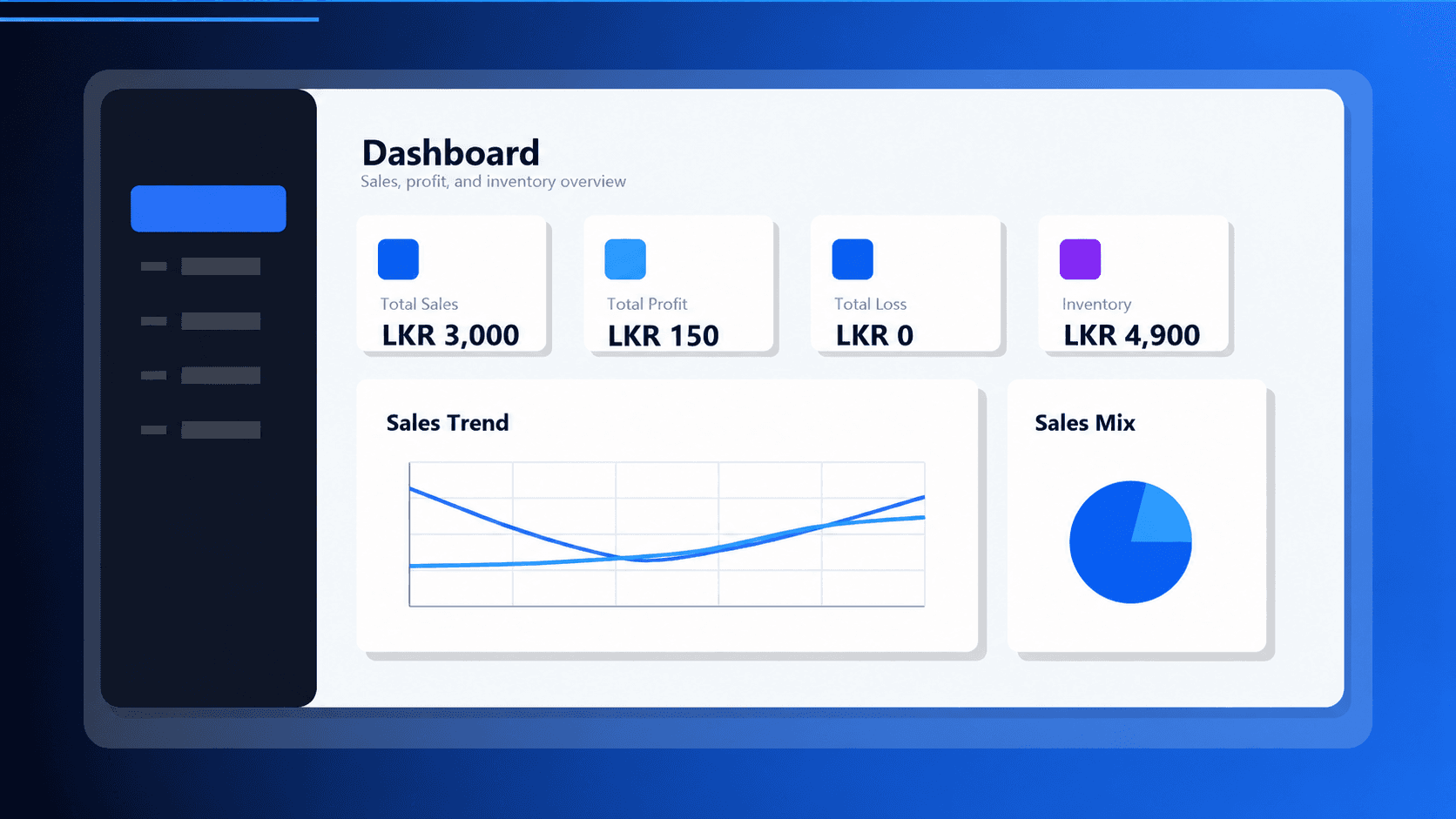
See sales, profit, inventory value, shop balances, and daily performance.
Keep business data on the Windows device and create administrator-controlled backups.
Give administrators, managers, and cashiers the access each role needs.
Made to adapt
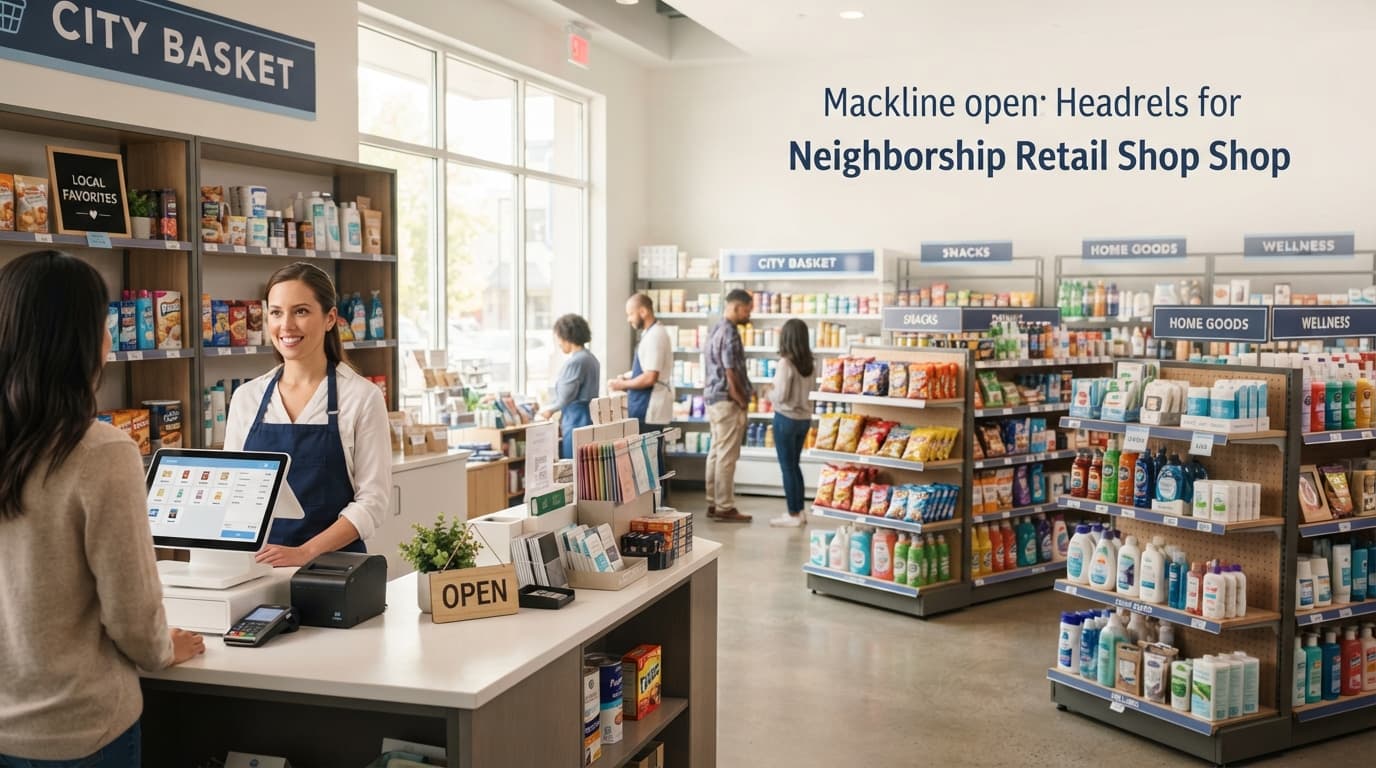
Mixed products, everyday checkout, and simple stock control.
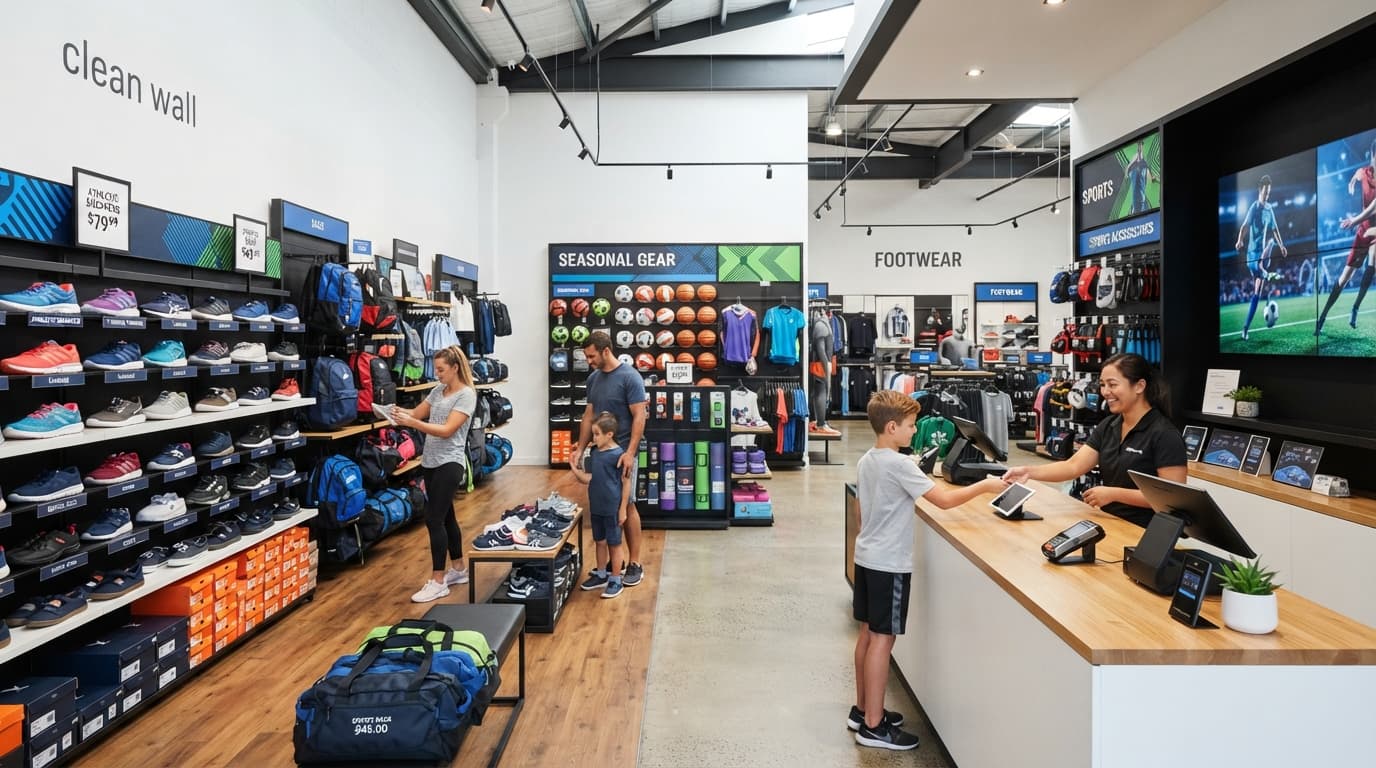
Sizes, variants, footwear, bags, and seasonal stock.

Neat collections, accessories, and size-based inventory.
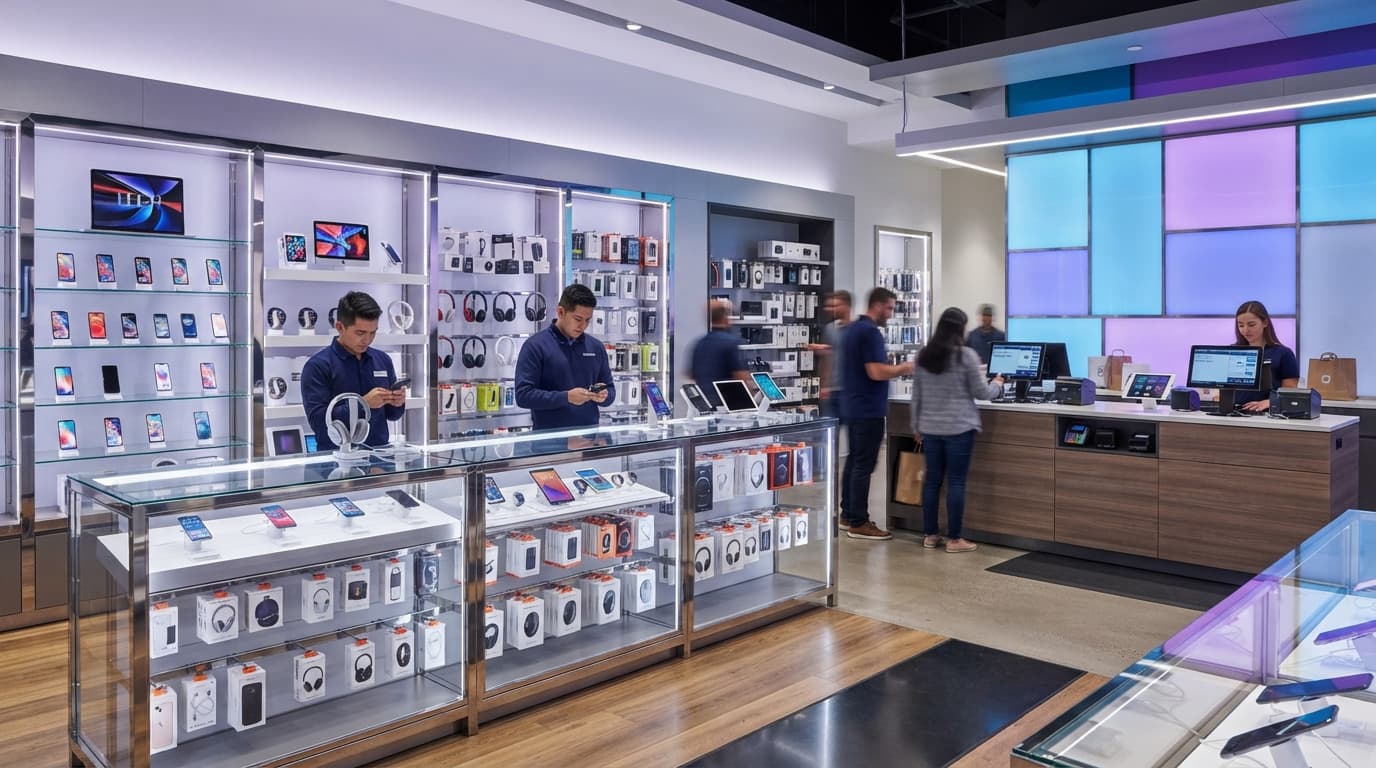
Fast-moving gadgets, accessories, and invoice-ready sales.
Inside MSHPOS
Select a screen to see how the offline Windows POS supports the everyday work behind the counter.
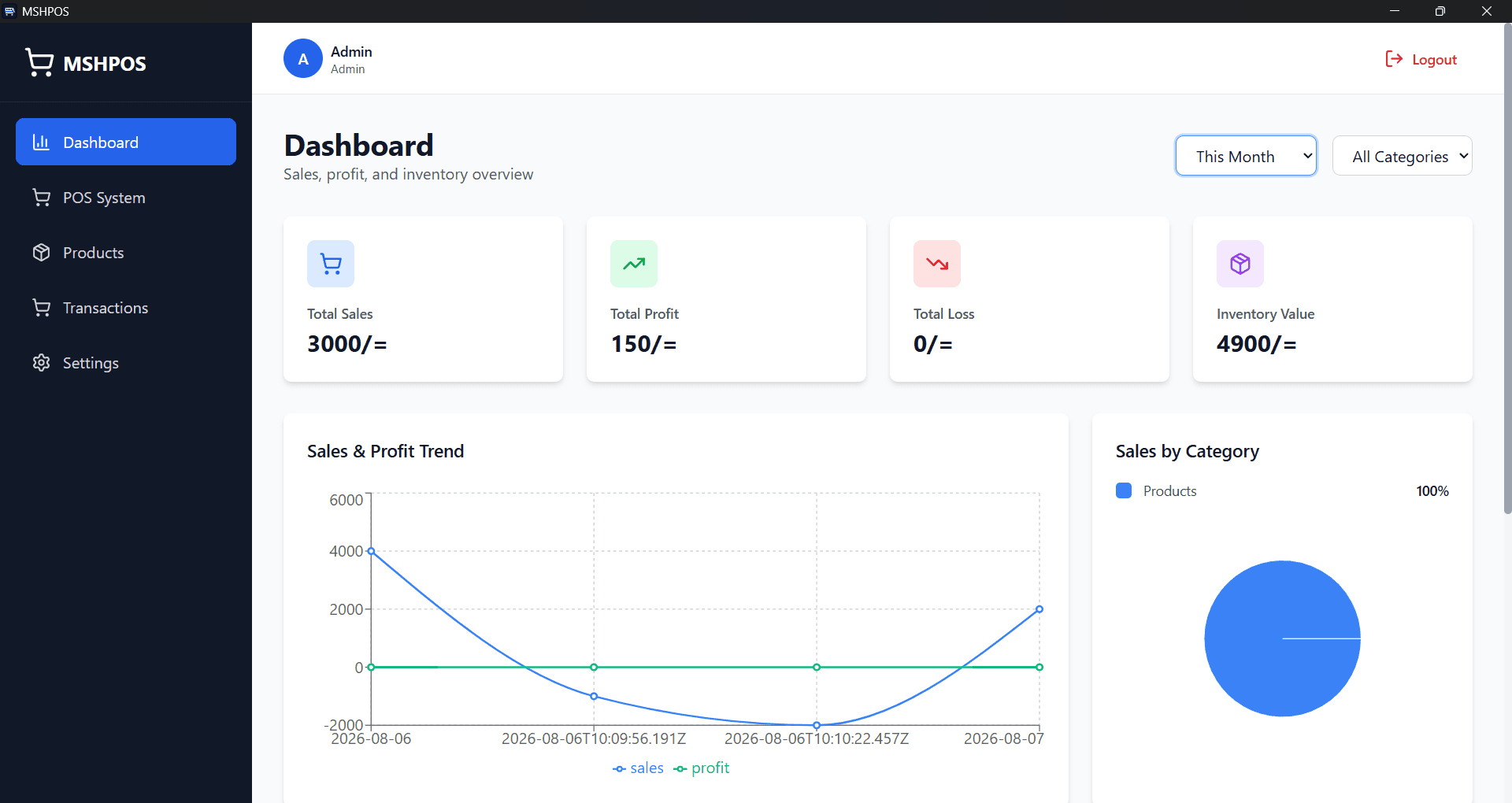
Dashboard
Review sales, profit, loss, inventory value, and category performance from one focused dashboard.
Use the arrow keys when the screen tabs are focused.
Getting started
Open the Microsoft Store listing
Install MSHPOS on Windows
Create your business and first administrator
Add products and configure settings
Start selling with your local POS
Online POS enquiry
Share your shop type, number of locations, and the workflow you want to improve. We will reply by email to discuss a custom online POS option.
Email an enquiryNo account or visitor form is created by this website.